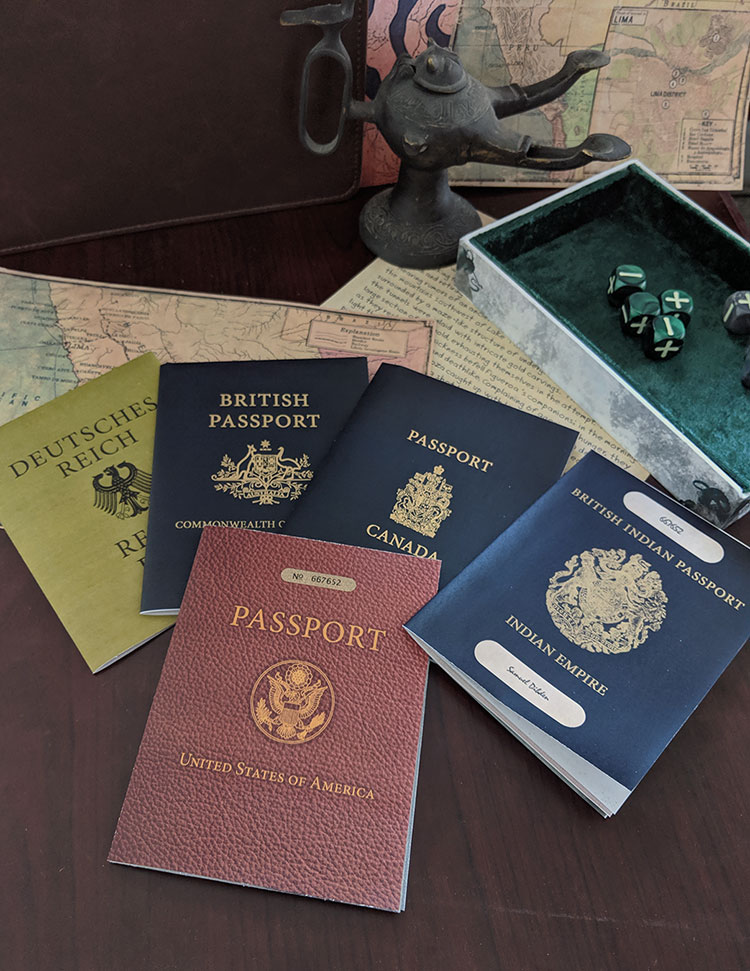
The Investigator Passports props are simple enough to print and fold, but here are some quick directions to help you make them easily, as well as some tips that may help you get the most out of them.
Preparing and Printing the Passport
Get together any information or notes you have about your investigator. Use it to fill out the form fields on the first page of the PDF. The information will be used to automatically populate the passport templates.
Each page of the rest of the document contains the prop passports, with one country per page. Scroll down to choose your passport. Then print that page to a color printer. You shouldn't have to worry too much about settings, as the passport is designed to just print on a single side of the page. If you're unsure, start by printing using the Fit to Page setting. If you like, you can print the passport on the back side of your (single-sided) character sheet. Then when you unfold the passport, your reveal the character sheet for play.
Fold and Trim the Passport
You don't need anything special to finish your passport, but there are a couple of common papercraft tools that can make the process much easier and the end product much cleaner. Specifically, a ruler, a paper trimmer, and a bone folder. If you're not familiar with a bone folder, it's exactly what it sounds like - a piece of bone used to help fold paper. Without going into a long discussion on why, I will simply say that I have found them useful. And they are cheap. Here is a link to the bone folder I have: Vencink Genuine Bone Folder
Align a ruler with the fold marks around the edge of the page. Run the point of your bone folder along the ruler to lightly score the paper. Repeat in the other direction. You can press down fairly hard without worrying. As long as you don't tear the paper, you're fine.
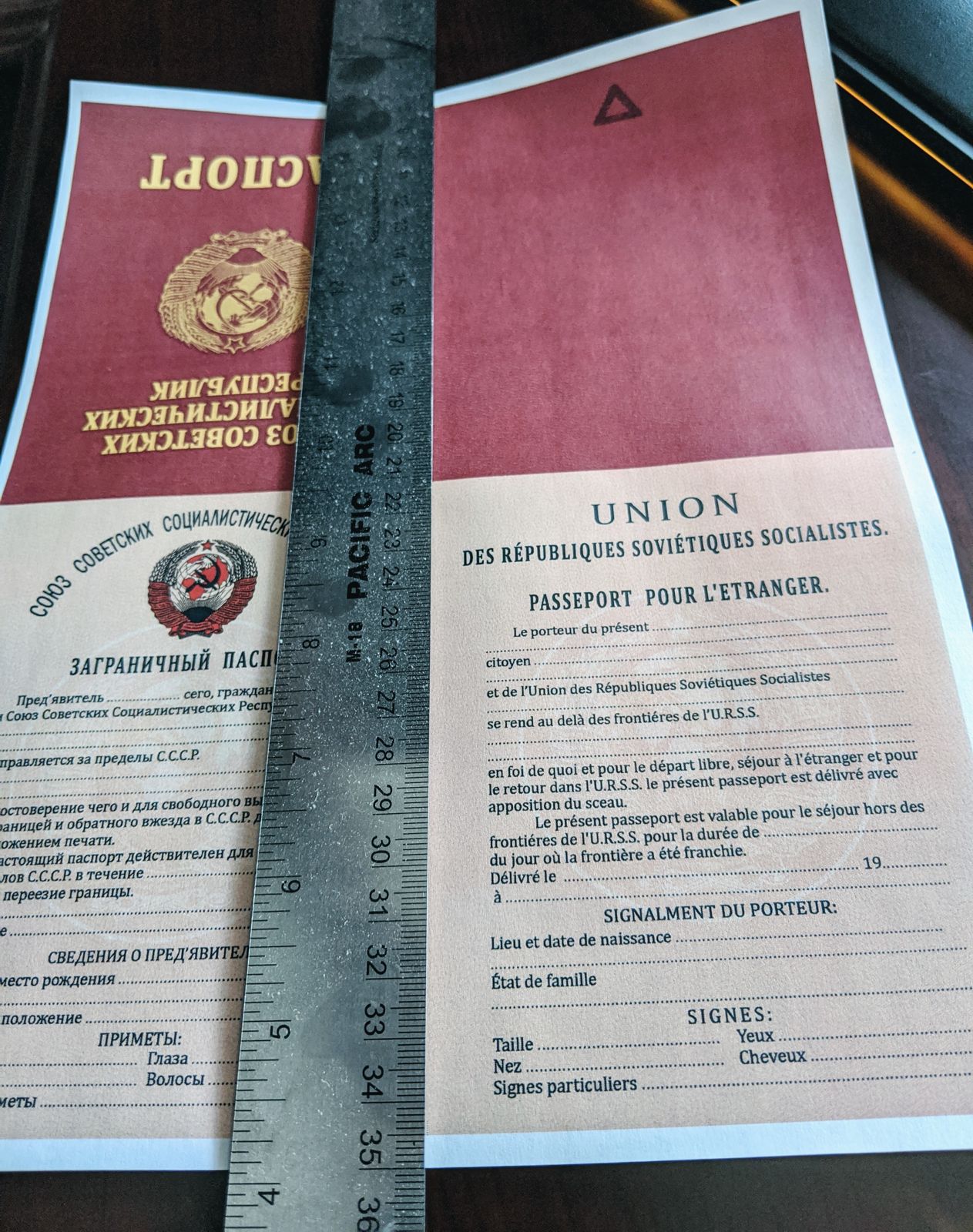
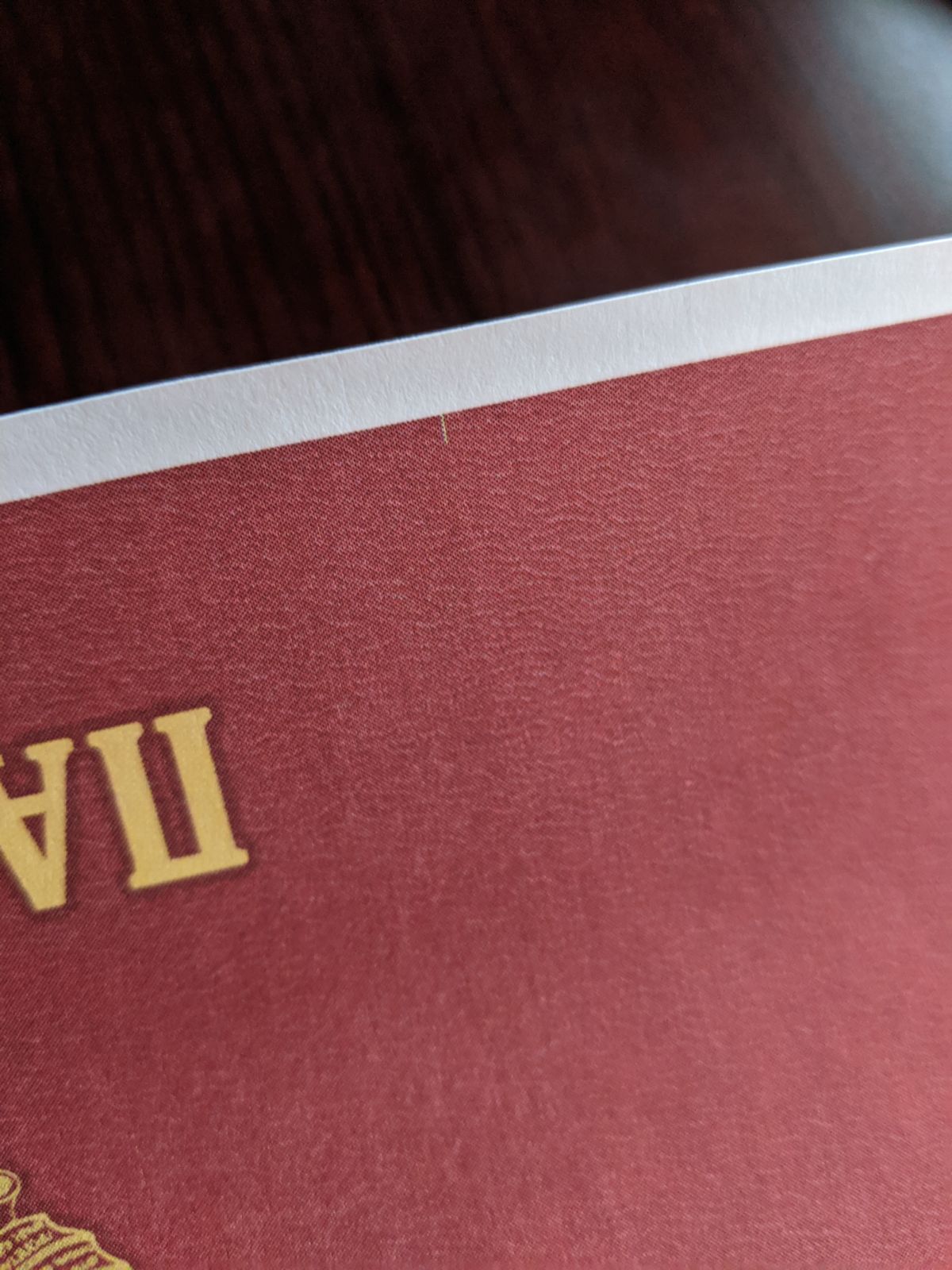
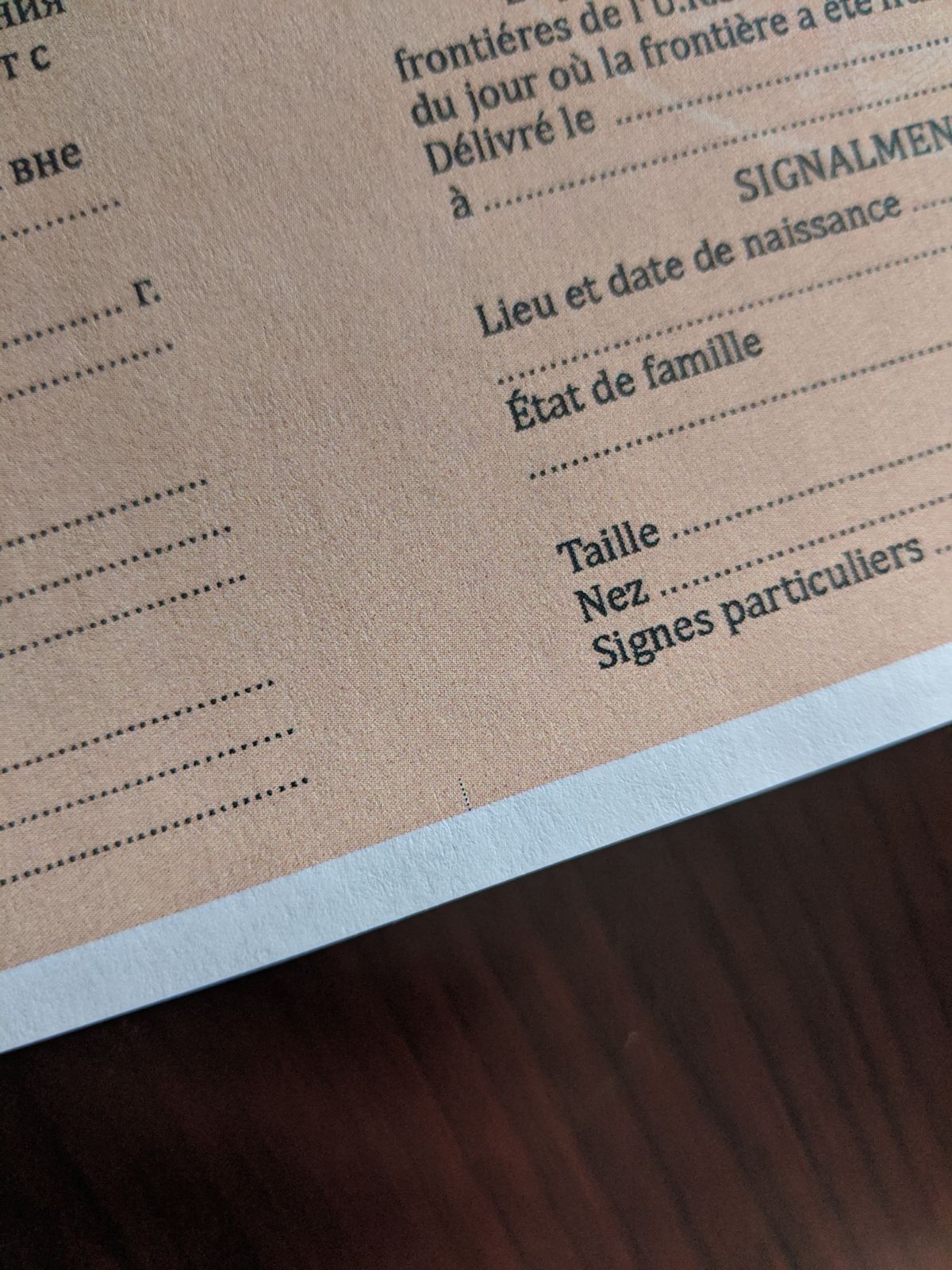
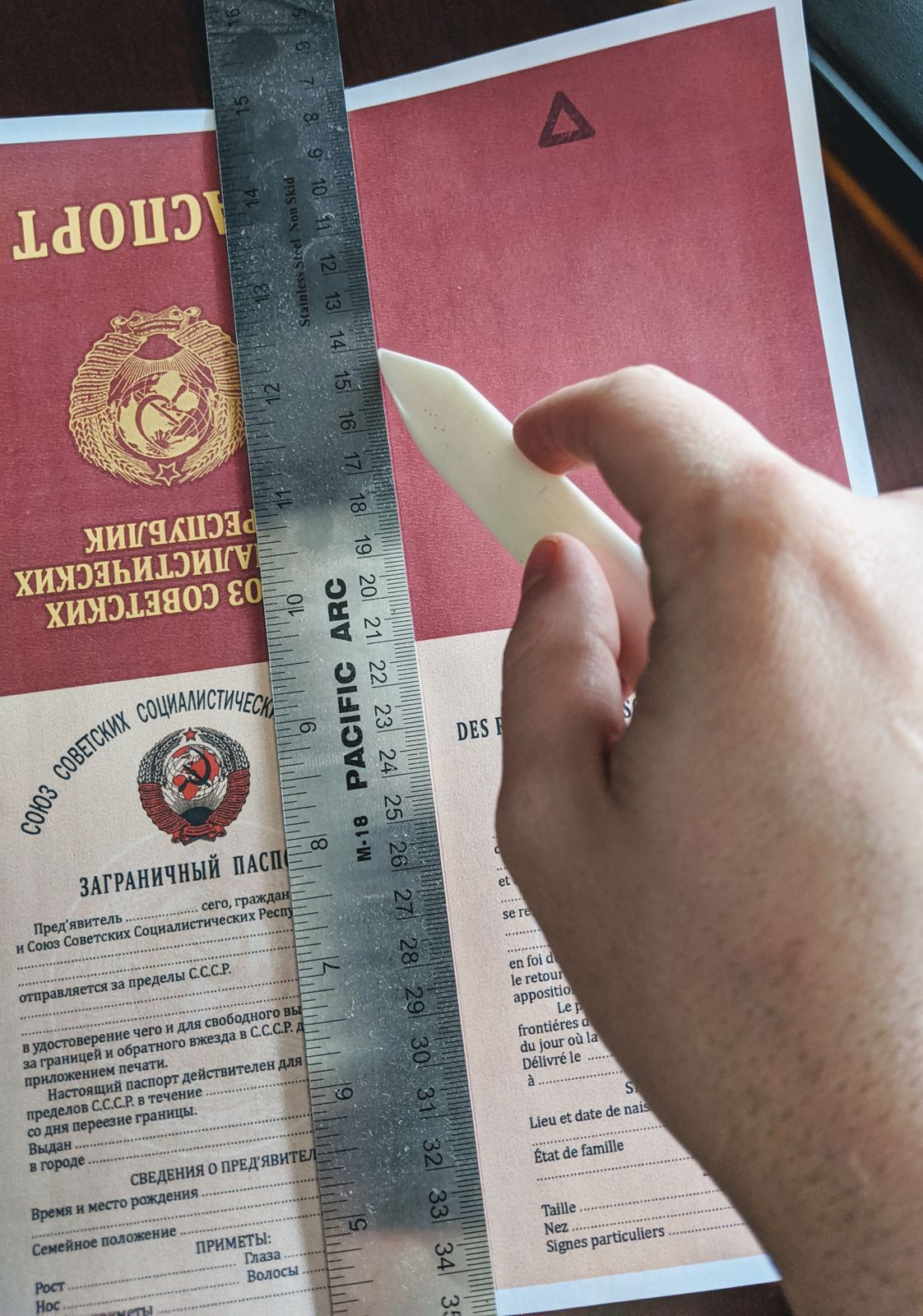
Fold the paper between the printed covers and the inside pages of the passport, using the scored line to help keep the fold straight. You may find it easiest to start the fold at the edges. Check to make sure the outer edges are aligned. Use the flat of your bone folder to press the fold. Repeat along the other fold your passport into quarters.
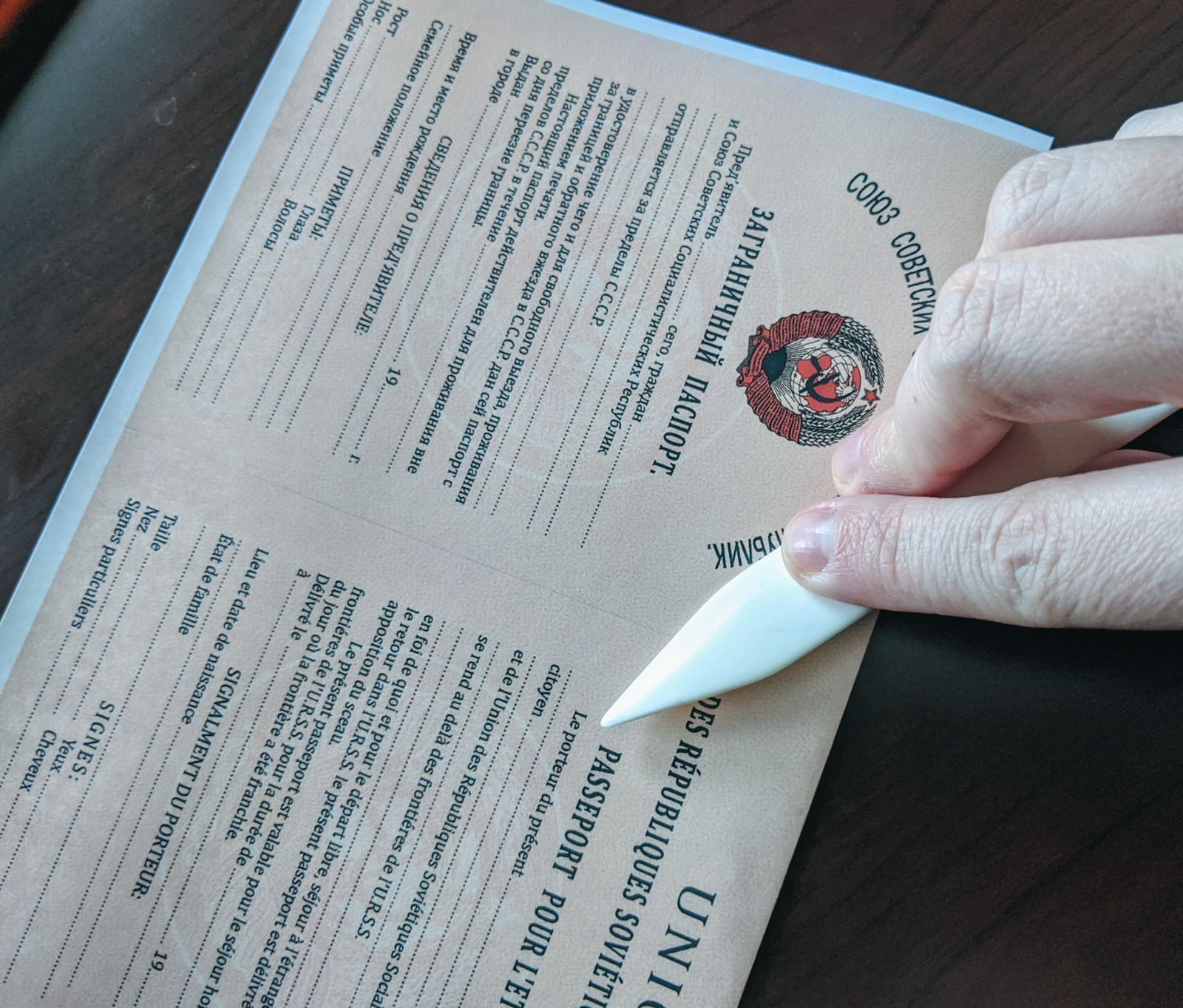
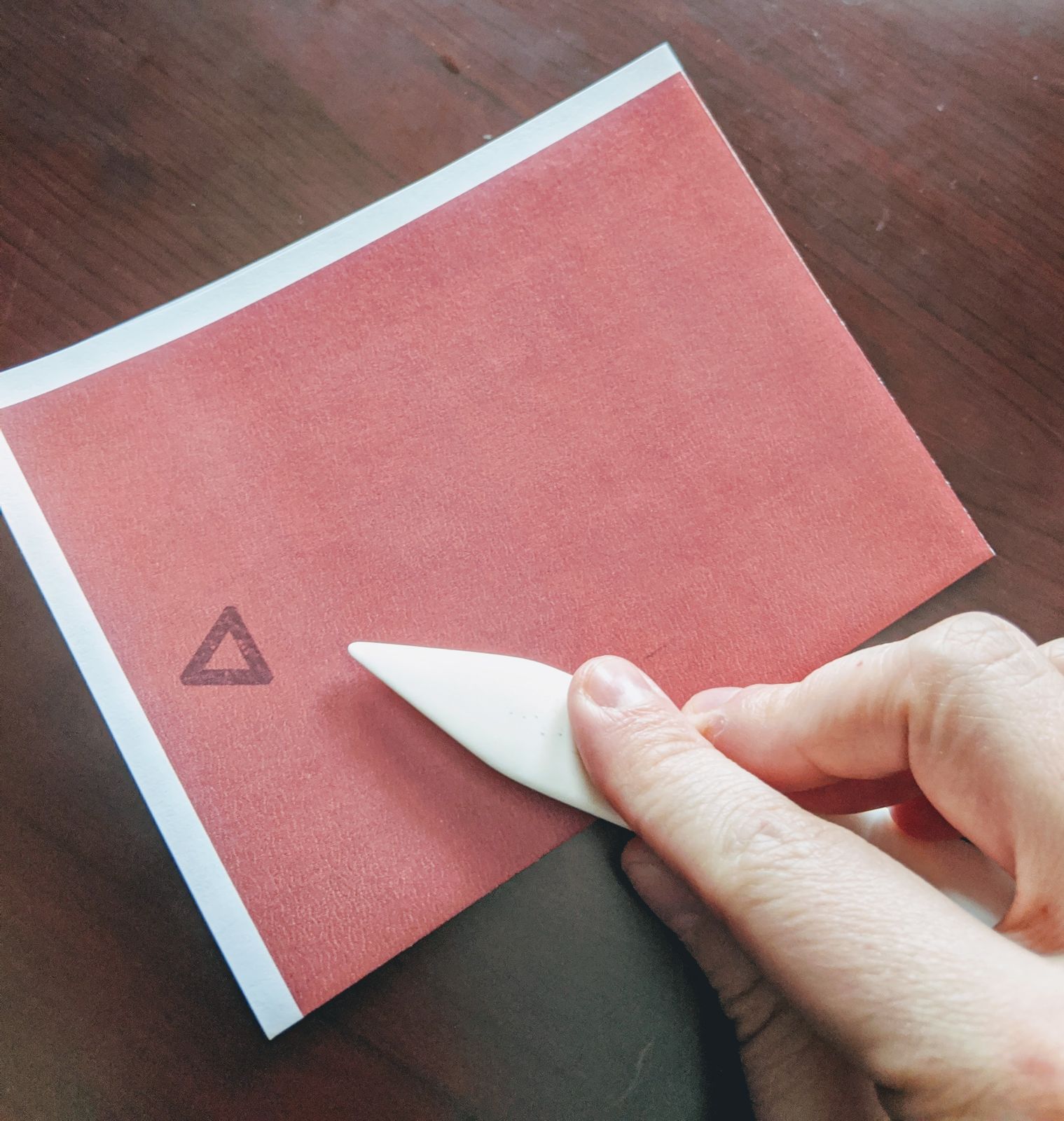
Keeping the passport folded and using a paper trimmer or pair of scissors, trim any remaining white paper from the two sides of the passport.
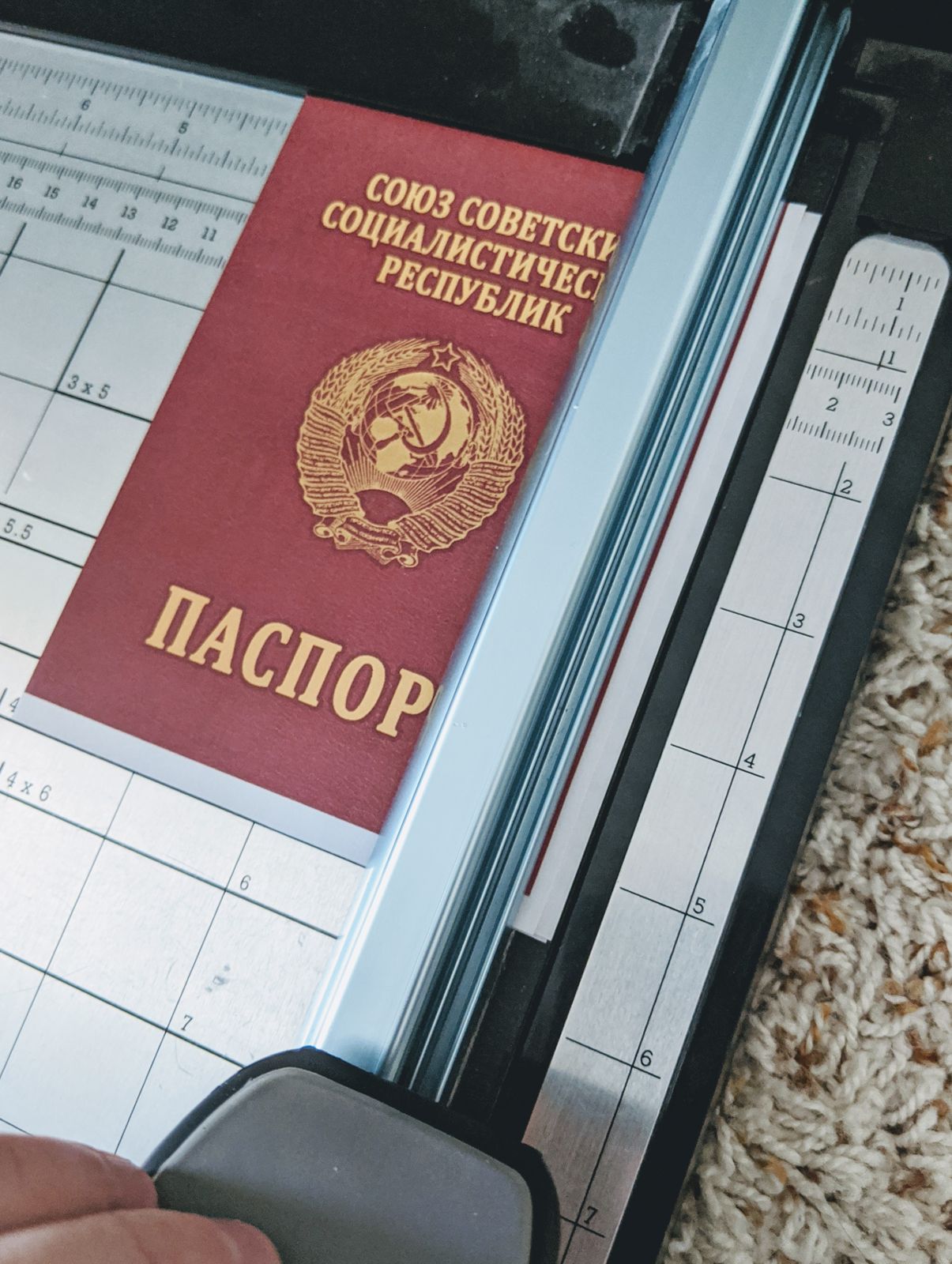
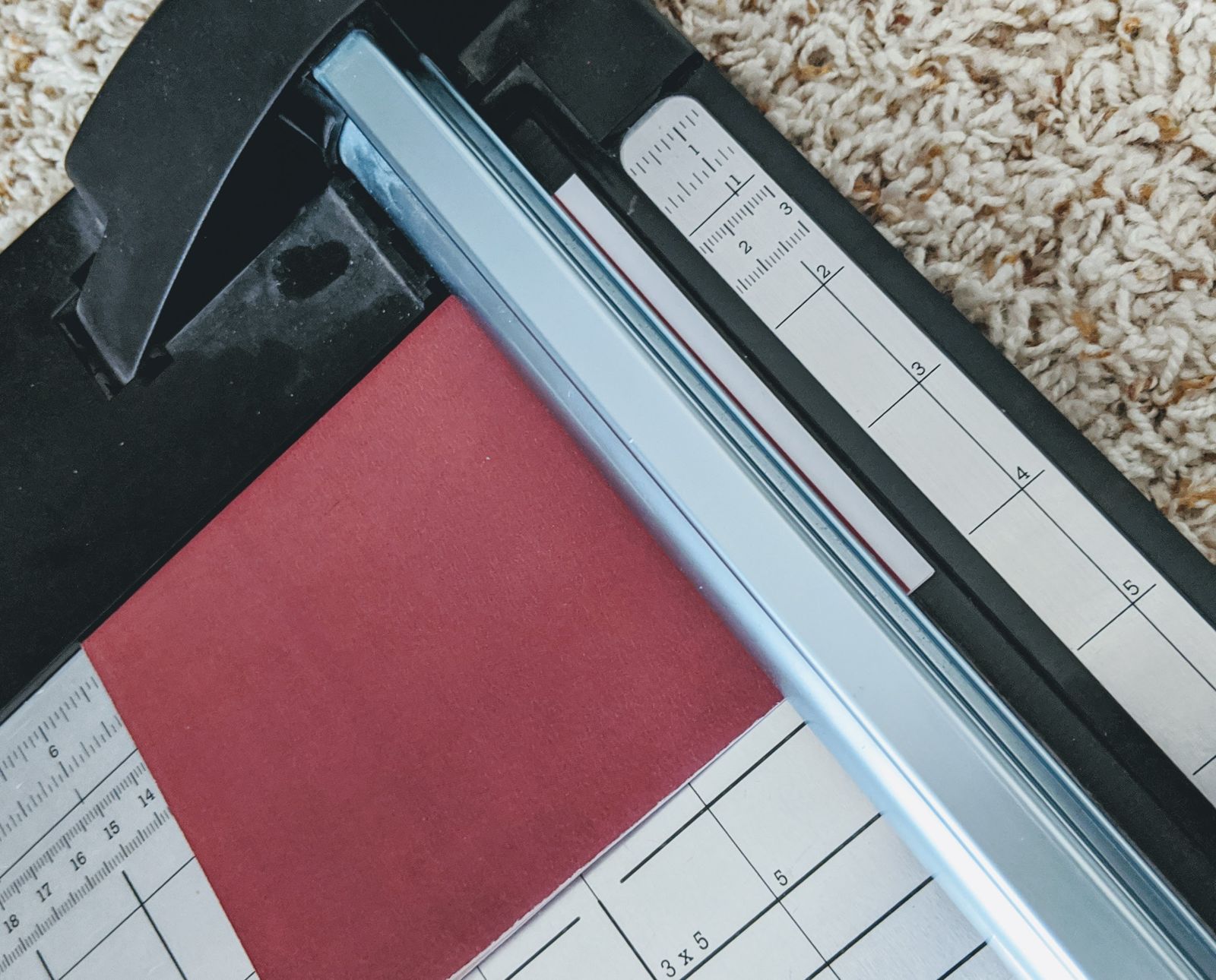
That's it. Your investigator's passport is ready to go.
Interested in New Features and Improvements?
Check out this post: Investigator Passports: Feature Survey
Investigator Passports Available for Download
I recently posted photos of passports I created for my investigators - which then unfold to reveal their character sheet. The response I received was quite positive, and some people asked if they were available for purchase or via Kickstarter. These are actually very easy to make at home using the template I've created.
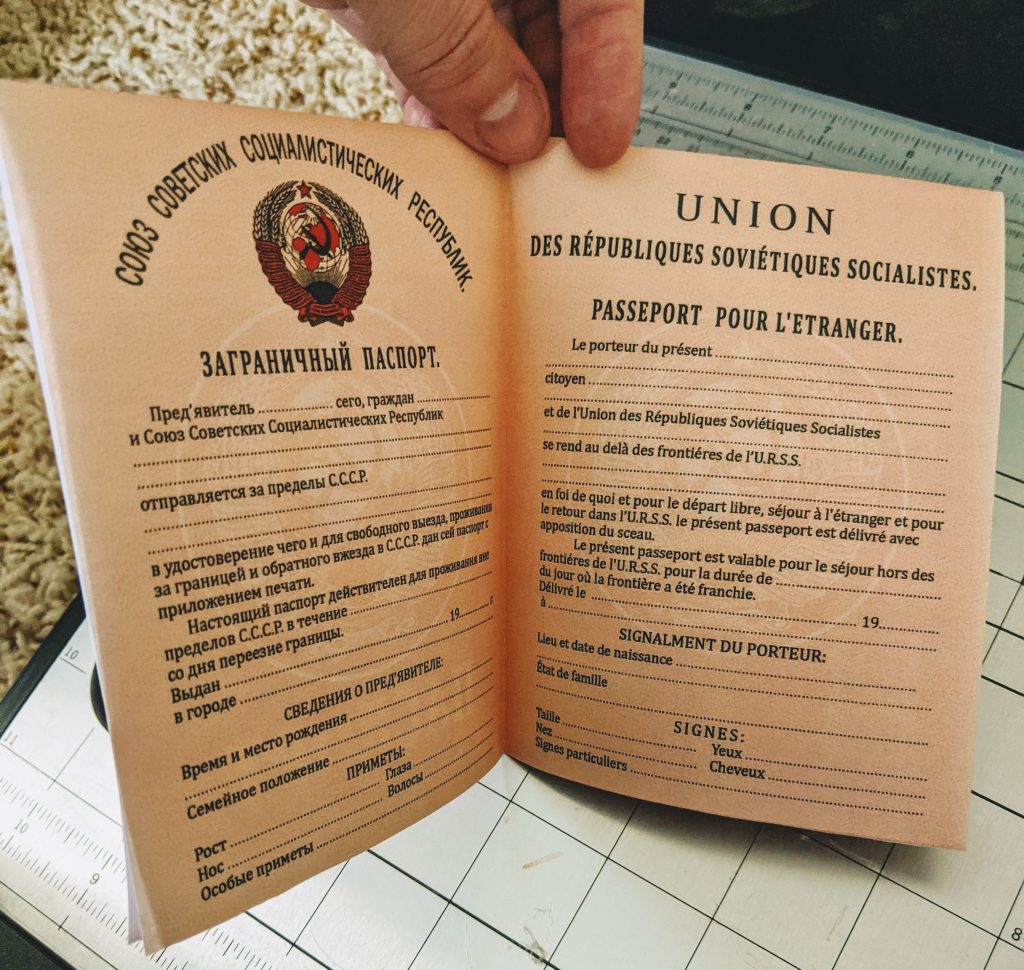
These passports are very simple and have no impact on gameplay - they're just props to add a little immersion. Using the form-fillable PDF, you enter the details for the character, then scroll through the pages of the document. Each page shows the information you provided on the passport for a different country. Pick which one you want and print that page on your color printer. Fold the page into quarters, trim off the white edges, and you have your very own investigator passport. If you print it on the back of your character sheet, then simply unfold the passport to reveal the passport for play.
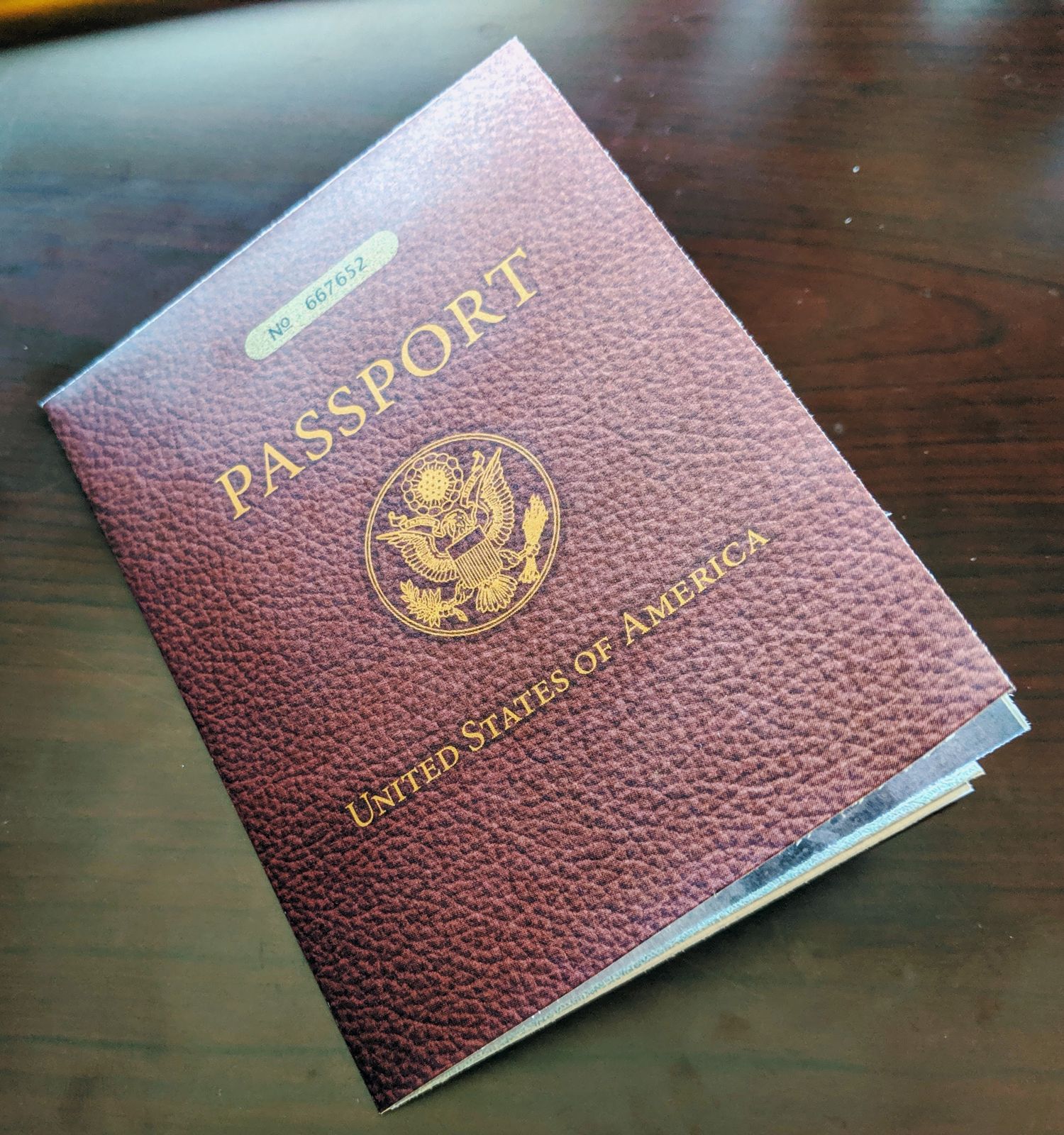
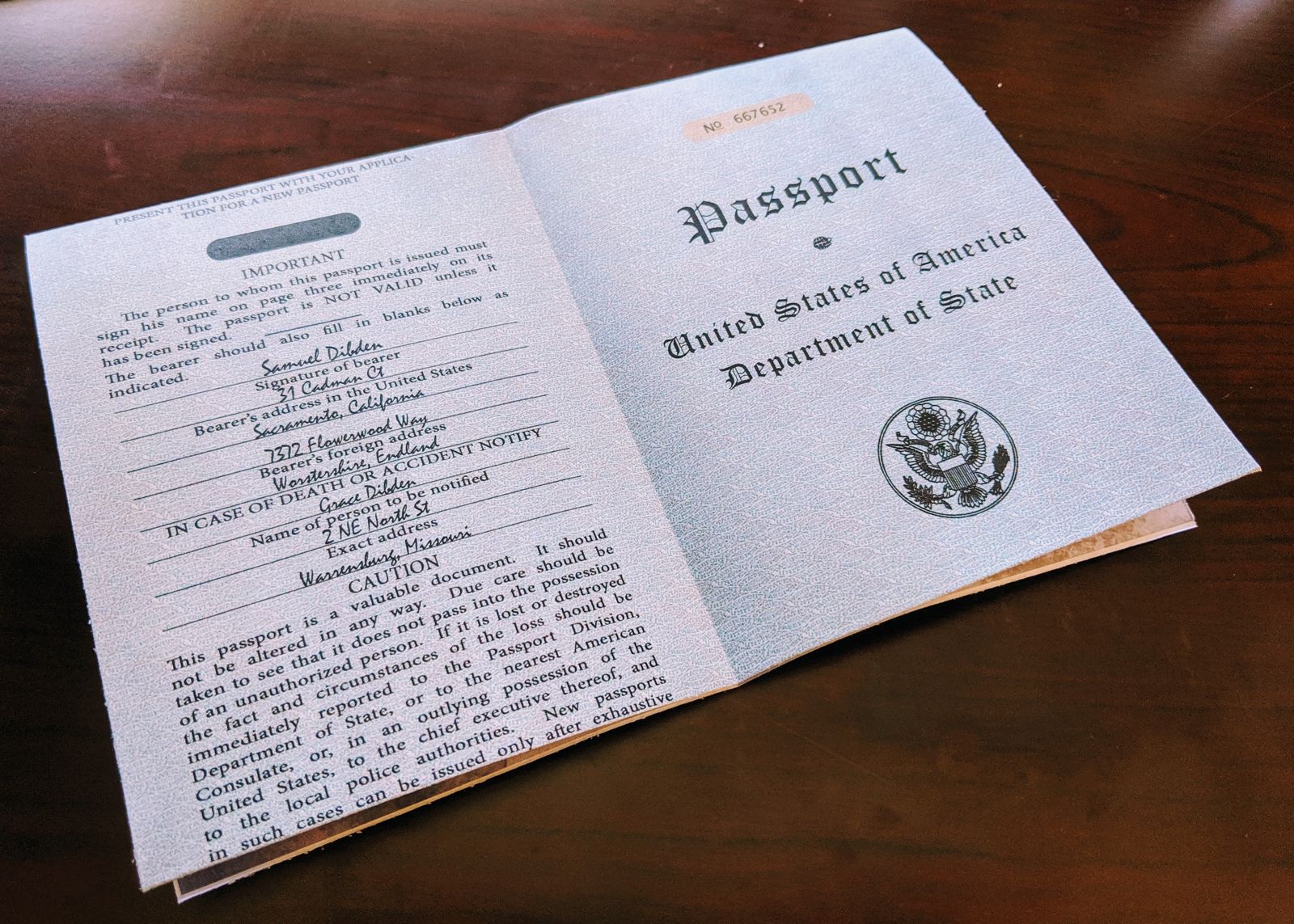
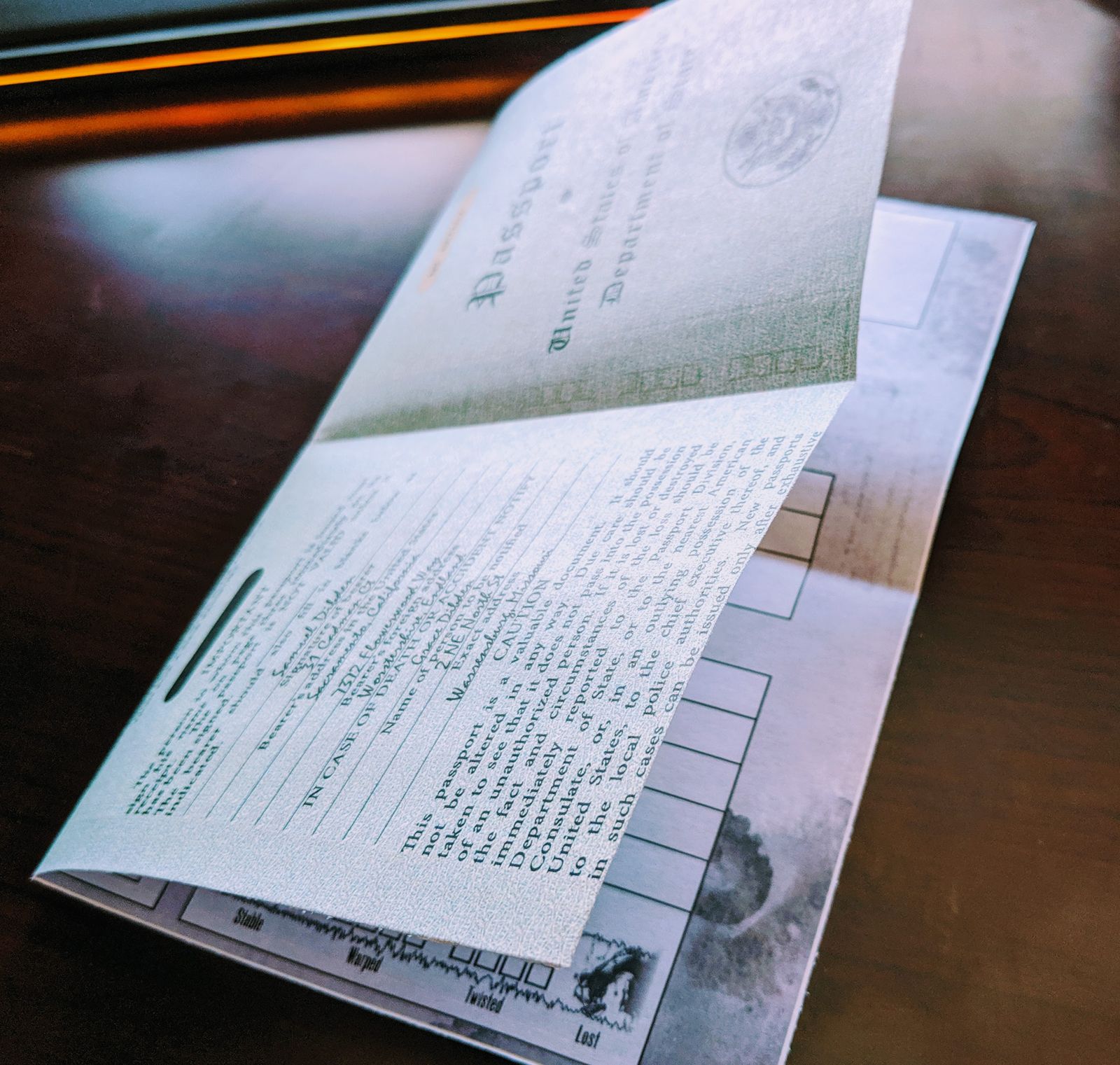
These are based on real-world passports from the 1920s and 1930s. A little artistic license was taken to make things simple, but otherwise I tried to make these look as authentic as possible. The template produces passports from the United States, Australia, Canada, Germany, and India.
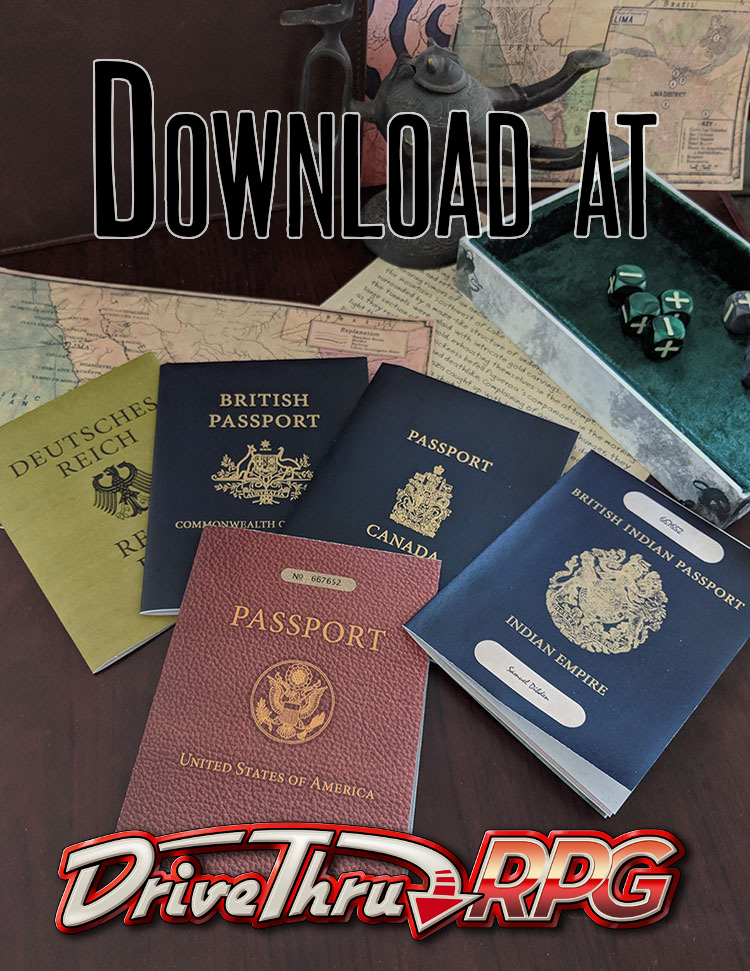
The PDF is quite large, nearly 48 MB, but that may be unavoidable without compromising the image quality and form fields. I've decided to make the template available through DriveThruRPG. (I've had a publisher account for years, but never used it for much.) The main reasons for this are to ensure people can access the file without relying on my web admin skills and to get updates if I post new versions in the future. As suggested to me after I posted the photos, the template is posted as a Pay What You Want product. I'm not looking to make money on these, but evidently there are those that would be willing to pay for them. A few extra dollars never hurts, and maybe it will enable me to offer more in the future.
Feedback Welcome
If you have any feedback on how to improve the passports or the PDF, please post it here:
https://www.reddit.com/r/base113Games/comments/duhi8y/feedback_on_investigator_passports/